Gift Cards

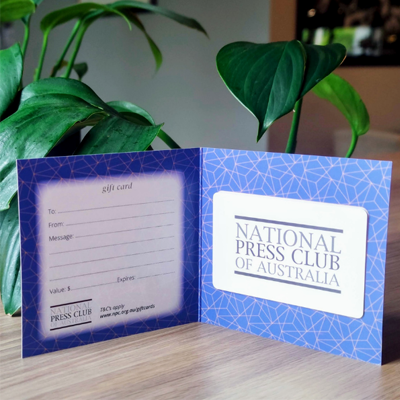
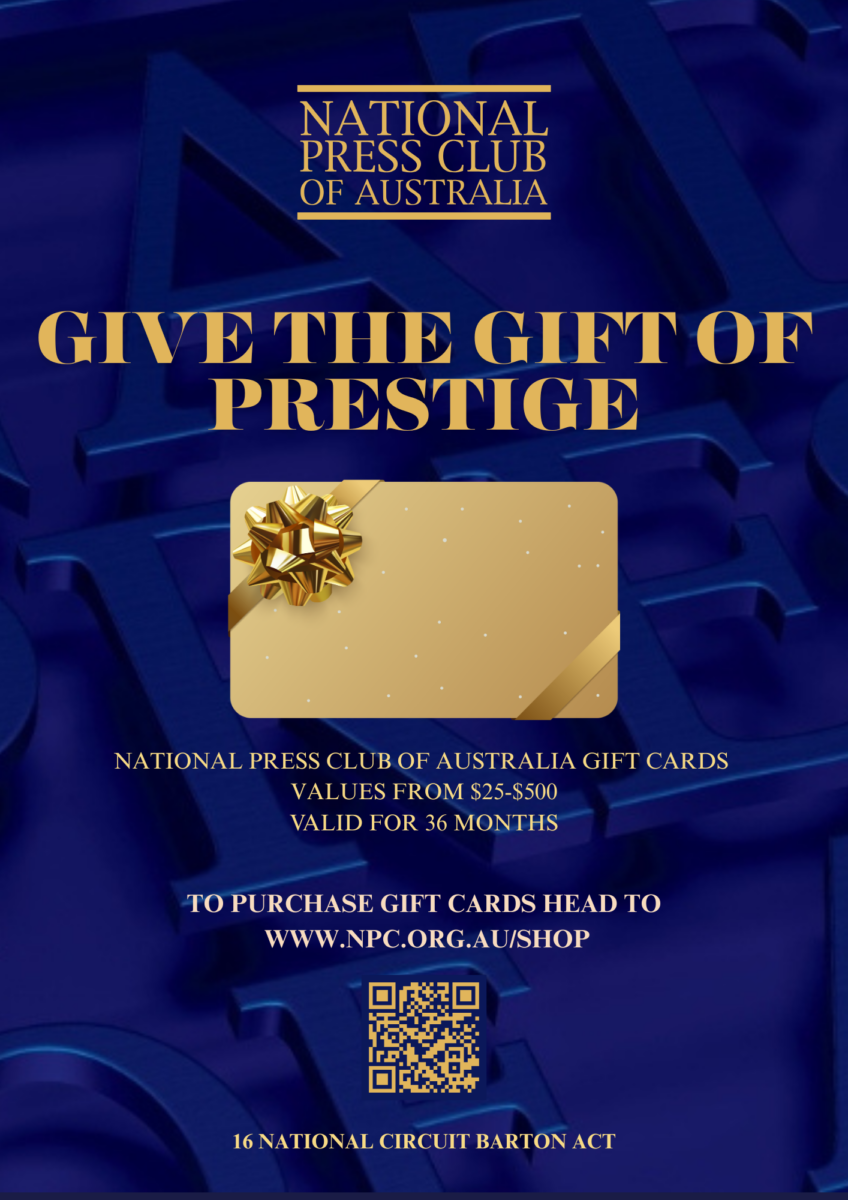
Give the gift of prestige with a National Press Club gift card.
A thoughtful gift for that hard-to-buy-for family member, friend, or work colleague – or for those who simply have it all! A National Press Club of Australia gift card will be welcomed by all.

Choose a gift card value of your choice, valid for 36 months from the date of purchase.

Price range: $50.00 through $500.00
Additional Information

Can be used for any National Press Club service including:

  1. A dining experience at our award-winning Chatham House Restaurant
  2. Our Club Lounge bar for after-work drinks

Terms and Conditions:

Please treat this gift card like cash as lost or stolen cards will not be replaced or refunded. No cash change will be given, this card cannot be redeemed for cash. Use of this gift card constitutes acceptance of these terms and conditions. This gift card is valid for 36 months from the date of issue.

Reviews

There are no reviews yet.

Only logged in customers who have purchased this product may leave a review.

Upcoming Speakers

April 2026

Senator the Hon Matthew Canavan April 8, 2026 @ 11:30 am - 1:30 pm

Dr Danielle McMullen April 15, 2026 @ 11:30 am - 1:30 pm

The Hon. Richard Marles MP April 16, 2026 @ 11:30 am - 1:30 pm

Hugh de Kretser April 29, 2026 @ 11:30 am - 1:30 pm

πŸ“‹ User Guide

Corporate Events & Reservations

πŸ“– Guide
❓ FAQ
πŸ’¬ Contact
πŸ“… Browse
β†’
🎟️ Request
β†’
⏳ Approval
β†’
πŸ‘₯ Attendees
β†’
βœ… Attend!
🎟️ Request Seats
  1. Find the event and click to view details
  2. Enter seats needed (up to 8 per request)
  3. Click Request Seats to submit
  4. You'll receive an email when approved
⏳ If full, you'll be added to the waitlist and notified when seats become available.
πŸ‘₯ Add Attendee Details
  1. Go to My Reservations
  2. Find your Approved reservation
  3. Click Update Details
  4. Fill in: Name, Email, Dietary Requirements
  5. Click Save All Details
⚠️ Complete details before the cut-off!
πŸ—‘οΈ Remove an Attendee

Need to release a seat or remove someone from your booking?

  1. Go to My Reservations
  2. Click Update Details on your reservation
  3. Find the attendee and click Remove
  4. Confirm by clicking Yes, Remove
πŸ’‘ You can also release empty seats you haven't filled yet.
🚫 Only available before the deadline.
βž• Request Additional Seats

Need more seats after your initial booking?

  1. Go to My Reservations
  2. Click Update Details
  3. Scroll to Request Additional Seats
  4. Enter quantity (1-8) and click Request
  5. Wait for admin approval
πŸ“§ You'll receive an email when approved.
πŸ‘” Group Reservations

Corporate members can view and manage team bookings:

  1. Go to My Reservations
  2. Switch to Group Reservations view
  3. See all bookings made by your team
  4. Update details or request seats for any member
🏒 Group admins can manage reservations for all team members.
❌ Cancel a Reservation
  1. Go to My Reservations
  2. Click Cancel on your reservation
  3. Confirm by clicking Yes, Cancel
🚫 Only available before the deadline.
🏷️ Understanding Statuses
🟑 Pending 🟒 Approved πŸ”΅ Waitlist πŸ”΄ Cancelled ⚫ Declined
  • Pending β€” Waiting for admin approval
  • Approved β€” Your seats are confirmed
  • Waitlist β€” Event full, you're in queue
  • Cancelled β€” You cancelled the booking
  • Declined β€” Request not approved
⏰ Important Deadlines
  • Cut-off: Typically 72 business hours before event
  • Business hours: Monday–Friday only
  • Attendee details: Must complete before cut-off
  • Cancellation: Only before deadline
πŸ’‘ 72 business hours β‰ˆ 3 working days. Weekends are excluded from the countdown.
How many seats can I request?
You can request up to 8 seats per request. Need more? Submit additional requests after approval.
What happens if an event is full?
You'll be added to the waitlist and receive an email notification when seats become available.
Can I remove an attendee from my booking?
Yes! Go to Update Details, find the attendee, and click Remove. You can also release empty seats you haven't filled.
Can I request more seats after my initial booking?
Yes. Open your reservation, scroll to "Request Additional Seats", enter quantity (1-8), and submit for approval.
What are "business hours"?
Monday to Friday only. Weekends are excluded from deadline calculations. 72 business hours = ~3 working days.
Can I see my team's reservations?
Yes, if you're a corporate group member. Switch to "Group Reservations" view to see and manage all team bookings.
Will I receive email notifications?
Yes! You'll receive emails when your reservation is approved, declined, or when waitlist seats become available.
Can I cancel my reservation?
Yes, but only before the registration deadline. After that, cancellation is not possible.
πŸ’¬

Need Help?

Send us a message and we'll get back to you.